Chapter 1 01
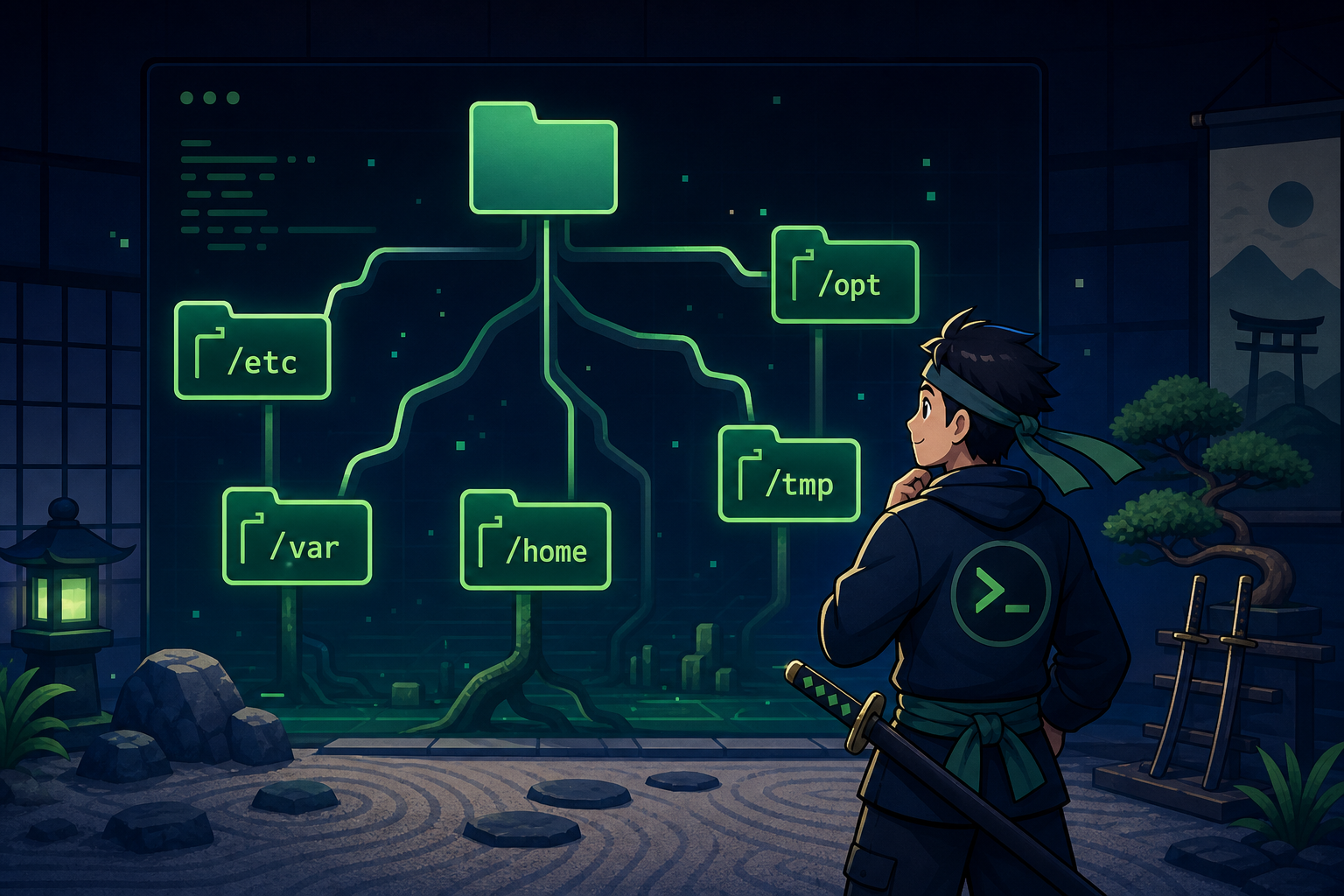
Terminal basics + filesystem navigation
Log in, print your location, list files, move around, and create/copy/move/remove files.
pwdlscdcatmkdirrm Linux training for help desk → sysadmin
Shell Samurai gives you a real terminal, a training box, and bite-sized missions that build actual command-line muscle memory.
Chapter 1 · pwd quest
Use pwd to print your current directory
SSH into your training box and complete the same terminal-basics objective learners start with in Chapter 1.
Status
3 / 4 tasks
samurai@dojo:~$ ssh recruit@training-box
Authenticating with mission key...
Connected. Chapter 1 unlocked.
# Objective: display your current working directory
recruit@box:~$ pwd
/home/recruit
# The path starts at / and shows where you are in the filesystem.
recruit@box:~$ ls
Desktop Documents Downloads
✓ Current directory printed — quest complete
Built for
Method
Outcome
Why it works
Blog posts are useful, but reps are what make commands stick. Shell Samurai turns each lesson into a small practical job: connect, inspect, change, verify.
Practice commands in an environment that feels like work, not flash cards.
Each mission gives you the objective, the box, and enough friction to learn.
You shouldn’t need to build a homelab before you can practice Chapter 1.
The path focuses on commands that actually show up in support, DevOps, and sysadmin work.
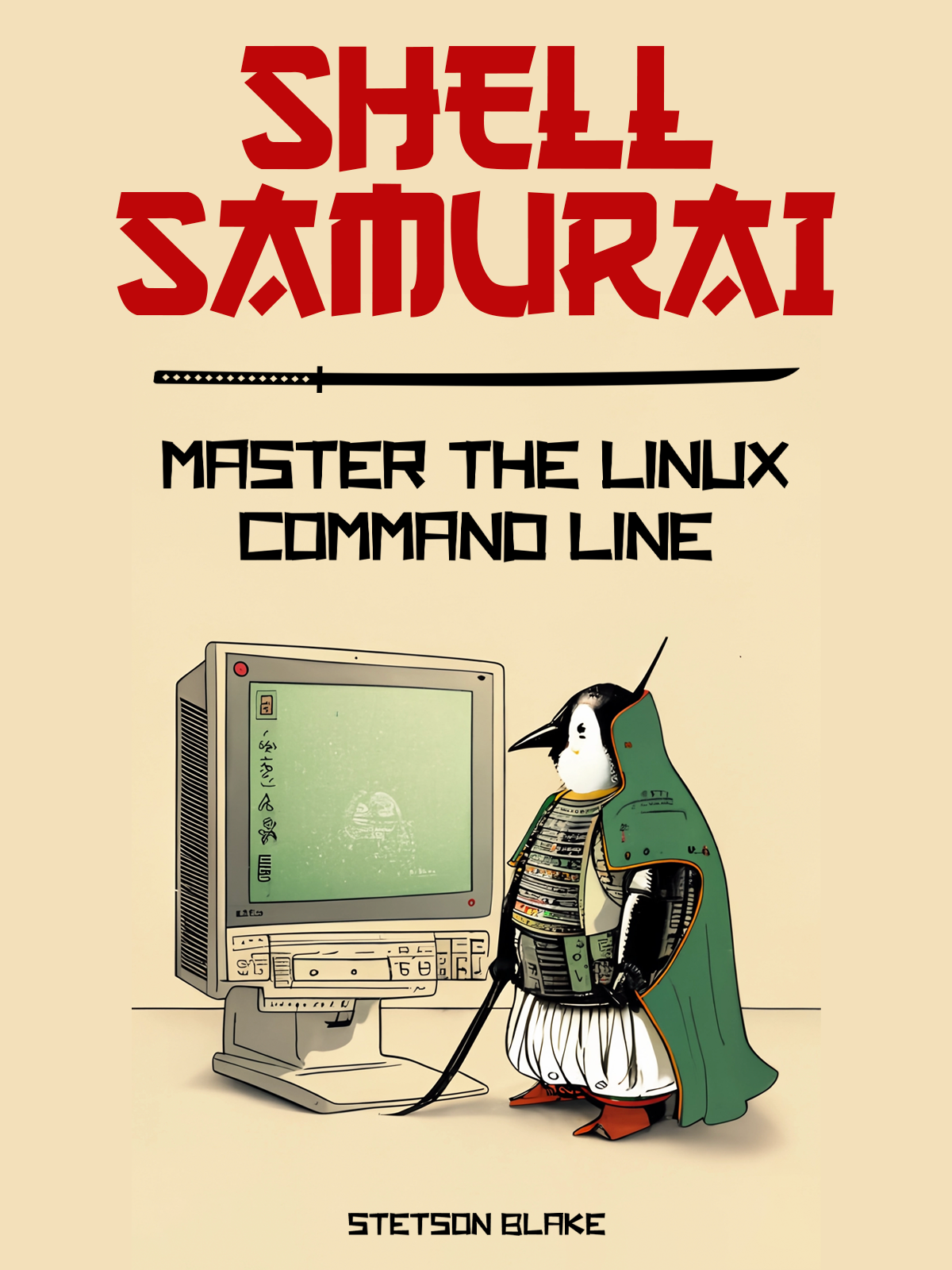
Field manual + training app
ShellSamurai.com is the front door: the curriculum, field notes, and proof that this path is worth your time. App.ShellSamurai.com is the dojo: sign in, open a mission, SSH into the training box, and prove you can use the command.
shellsamurai.com
Preview the curriculum, read the field notes, and understand which Linux skills matter for IT work.
app.shellsamurai.com
Turn the book chapters into hands-on missions with a real shell, progress, and clear objectives.
Mission map
Open the chapter, SSH into the box, clear the objective, unlock the next skill.
Log in, print your location, list files, move around, and create/copy/move/remove files.
pwdlscdcatmkdirrm Read files, use nano/vim, understand ownership and permissions, and work with user identity commands.
headtailnanochmodchownsudo Inspect resources, manage processes, test connectivity, search text, archive files, and install packages.
toppspinggreptarapt Move into practical admin skills: services, logs, storage, SSH, firewalls, user management, shell scripting, Git, and keys.
cronjournalctlmountsshbashgit Student result
“The knowledge obtained in this book helped me shine above the other candidates in the interview process.”
After being stuck at help desk for 5 years, Blake wanted to learn more skills to progress in his career. Shell Samurai covered the basics and explained the Linux filesystem so even a n00b could navigate it and execute the power Linux can provide.
Blake L.
Shell Samurai reader
The instructor

“With nearly 10 years across IT support, network engineering, web development, and DevOps, I built Shell Samurai around the Linux skills I wish more beginners got to practice before they were on the clock.”
Stetson Blake · Shell Samurai
Field notes
The blog is still here, but it supports the app instead of pretending to be the whole product.

First mission is free